What do you want to protect?
Our advice to better configure your Security Fog is to start from a question that is as obvious as it is crucial. to be able to protect various situations, starting from a single room to get to fill several rooms with fog at the same time.
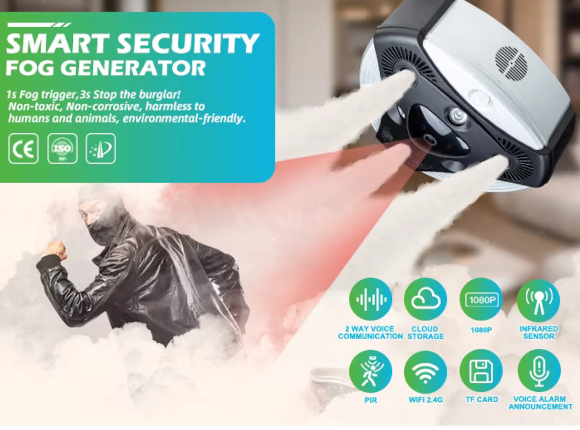
The most important thing to keep in mind is that Our Security Fog is designed to protect rather than alert, so it should be located in the area where we want to protect it or as a barrier in a critical area. Fog barely passes through closed doors.
Do you already have your own system or do you want your Security Fog to operate as a complete safety system?
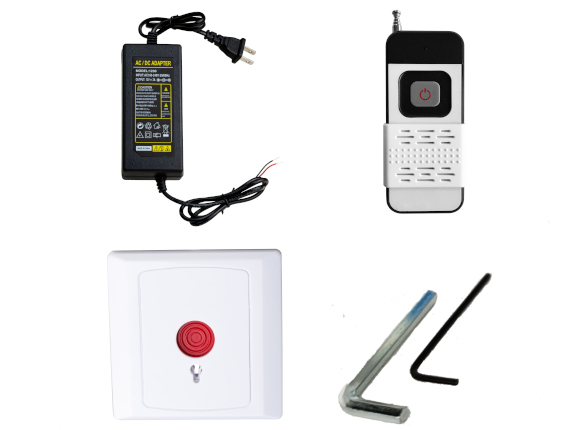
As you have seen, it is possible to buy the Security Fog package which includes the security Fog to be connected to your alarm system. If you want to connect the Security Fog to an existing system, you will need to bring the arming and shooting commands to your Security Fog directly from the alarm control unit. If you choose to manage the Security Fog independently, a situation we recommend, you have the possibility to compose your security system as you see fit, combining various types of controls on the App which will send you a alarm noise on the App to make you reactive and effective as possible.
Once you have selected the area you want to protect, we can proceed with evaluating the various devices to connect to your Security Fog. Consider that Security fog can also work as an anti-theft and not just against intrusions in an empty house. Our Security Fog can be placed on a piece of furniture, placed on the ground or hidden behind a plant, the only important thing is that the fog has free space in front of it and is possibly guided towards the area to be protected. Once you have chosen the location of your Security Fog, you can evaluate the possible need to put additional Fogs if you want to protect rooms larger than 150m3 or different rooms or floors. Keep in mind that all Fogs will work connected to each other as a single system and you can always add them in the future.
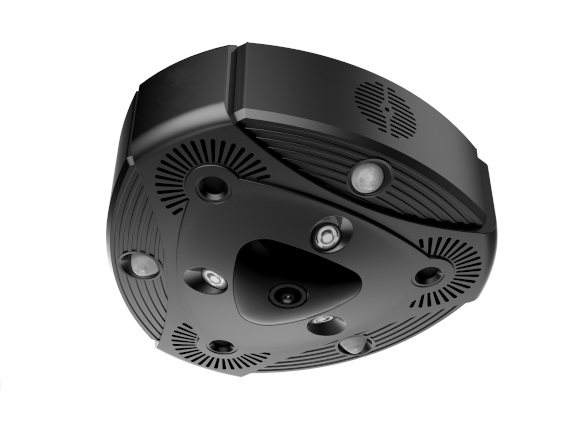
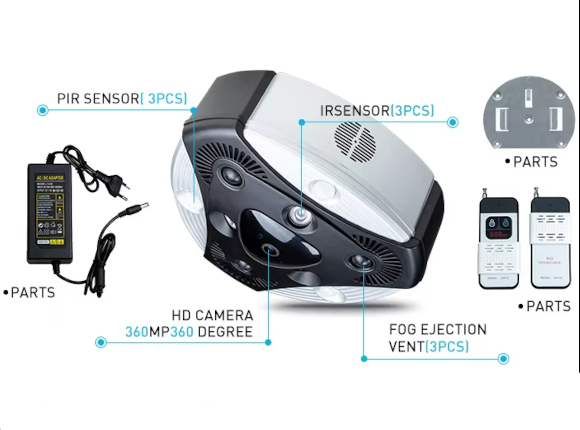
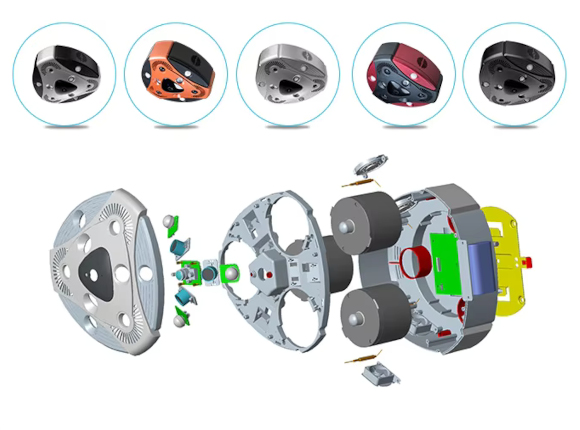
Now that you have chosen where your Security Fog will be placed, let’s move on to the sensors. The sensors are “the eye of iFog”, in fact they allow it to detect the break-in.. The sensors are positioned on the device itself and are able to create a radius of 12 meters wide 90 ° within which they are able to detect any movements of intruders.
Once you have also configured the App of your Fog, you will be able to choose activate the devices to complete the system.
Examples of installation:
I WANT TO PROTECT JUST ONE ROOM: Protecting a single space is quite simple, as it is enough to place the Security Fog inside the room and place a volumetric sensor at an angle or in any case considering that it is able to reveal the whole room. With the remote control provided or the app, simply arm the Security Fog when you leave the room and from that moment on if someone enters, the Security Fog detects it and delivers the fog. For this solution we have thought of the Smart Pack.
I WANT TO PROTECT AN APARTMENT: In the case of the classic apartment, with the front door as an access point and a secondary access from a window or terrace, we recommend positioning the Security Fog in a key area of the house such as the living room or hallway. The sensors in this case will require a magnetic on the entrance door, a second magnetic on the window or French window and a pair of volumetric support. For this solution we have thought of the Extra Pack.
I WANT TO PROTECT A 2-STORY HOUSE: Generally 2-storey houses are very large and require various sensors as needed, so we recommend starting with the Extra Pack and adding additional sensors as needed. In this case the Security Fog is often placed on the stairs to prevent the attacker from going upstairs, but just as often a second Security Fog is needed to protect another area of the house.